Can You Mount a TV on Drywall? Yes, Safely
- Brandon Bird
- Aug 1
- 6 min read
A wall-mounted TV can make a Charlotte living room feel cleaner, more comfortable, and easier to enjoy. But homeowners often ask, “Can you mount TV on drywall safely?” The answer is yes - provided the mount, fasteners, wall construction, and TV weight are all matched correctly. Drywall itself is not designed to carry the full load of a television, especially when the mount extends away from the wall.
The safest installation usually anchors the TV mount into wall studs. When studs are not available in the right spot, a properly selected mounting solution can still work, but the weight limits and type of TV mount matter much more. A few careful decisions upfront can prevent loose hardware, damaged drywall, or an expensive TV falling to the floor.
Can You Mount a TV on Drywall Without Studs?
You can mount a TV on drywall without studs in some situations, but it is not always the right choice. Fixed, low-profile mounts for smaller and lighter TVs place less strain on the wall than full-motion mounts. A full-motion mount creates leverage every time the screen is pulled forward, swiveled, or tilted. That added force can overwhelm standard drywall anchors, even if the TV seems light enough on paper.
For a no-stud installation, heavy-duty toggle bolts or a mounting plate designed for drywall are generally safer than basic plastic expansion anchors. The hardware must be rated for more than the combined weight of the TV and mount. It should also account for the movement created by normal use.
That said, a hardware rating is not a guarantee that every wall is suitable. Drywall thickness, hidden damage, the condition of the wall, and the mount’s hole pattern all affect the result. If the wall flexes, feels soft, has prior patching, or is near a corner or opening, finding studs or choosing another location is often the better call.
Why Studs Are the Best Option
Wall studs are the vertical framing members behind your drywall. In most homes, they are spaced 16 or 24 inches apart on center. Securing the mounting bracket to one or more studs transfers the TV’s weight into the home’s framing instead of relying on a thin drywall panel.
A mount attached to studs is the preferred option for larger screens, heavier TVs, and any mount with an articulating arm. It also gives you more freedom to adjust the TV later without worrying that each movement is stressing the drywall anchors.
Stud placement does not always line up perfectly with the center of the wall or the furniture below it. A wide wall plate can often bridge two studs while allowing the TV to sit in a centered position. In other cases, a professional can recommend a mounting plate or an alternate mounting location that keeps the setup secure and visually balanced.
Start With the TV, Mount, and Wall
Before drilling, confirm the basics. Your TV’s manual lists its weight without the stand and its VESA mounting pattern, which is the distance between the threaded mounting holes on the back. Your mount must fit both the TV’s size range and its VESA pattern.
Also consider the type of mount you want. A fixed mount keeps the screen close to the wall and is a practical choice for a straightforward viewing area. A tilting mount can help reduce glare or improve viewing when the TV sits above eye level. A full-motion mount offers the most flexibility, but it requires the strongest attachment because it places the most force on the wall.
Next, inspect the wall. Standard drywall over wood studs is common in residential homes, but some walls use metal studs, masonry behind drywall, or unusual framing. Metal studs require a different approach than wood studs, particularly for a large TV or a full-motion bracket. Exterior walls can also contain insulation, plumbing, or electrical wiring that calls for extra care.
A Safe TV Mounting Process
A secure TV installation is more than finding a spot and driving in a few screws. The process starts with choosing a comfortable viewing height. For most seated living rooms, the center of the screen should sit close to eye level when you are on the sofa. Mounting too high is a common mistake, especially above a fireplace, and can lead to neck strain during longer viewing.
Once you have a height, use a stud finder to locate and mark the framing. Check your marks more than once. Stud finders can react to pipes, wiring, seams, or other materials behind the wall, so it helps to verify the stud location with small test holes placed where the bracket will cover them.
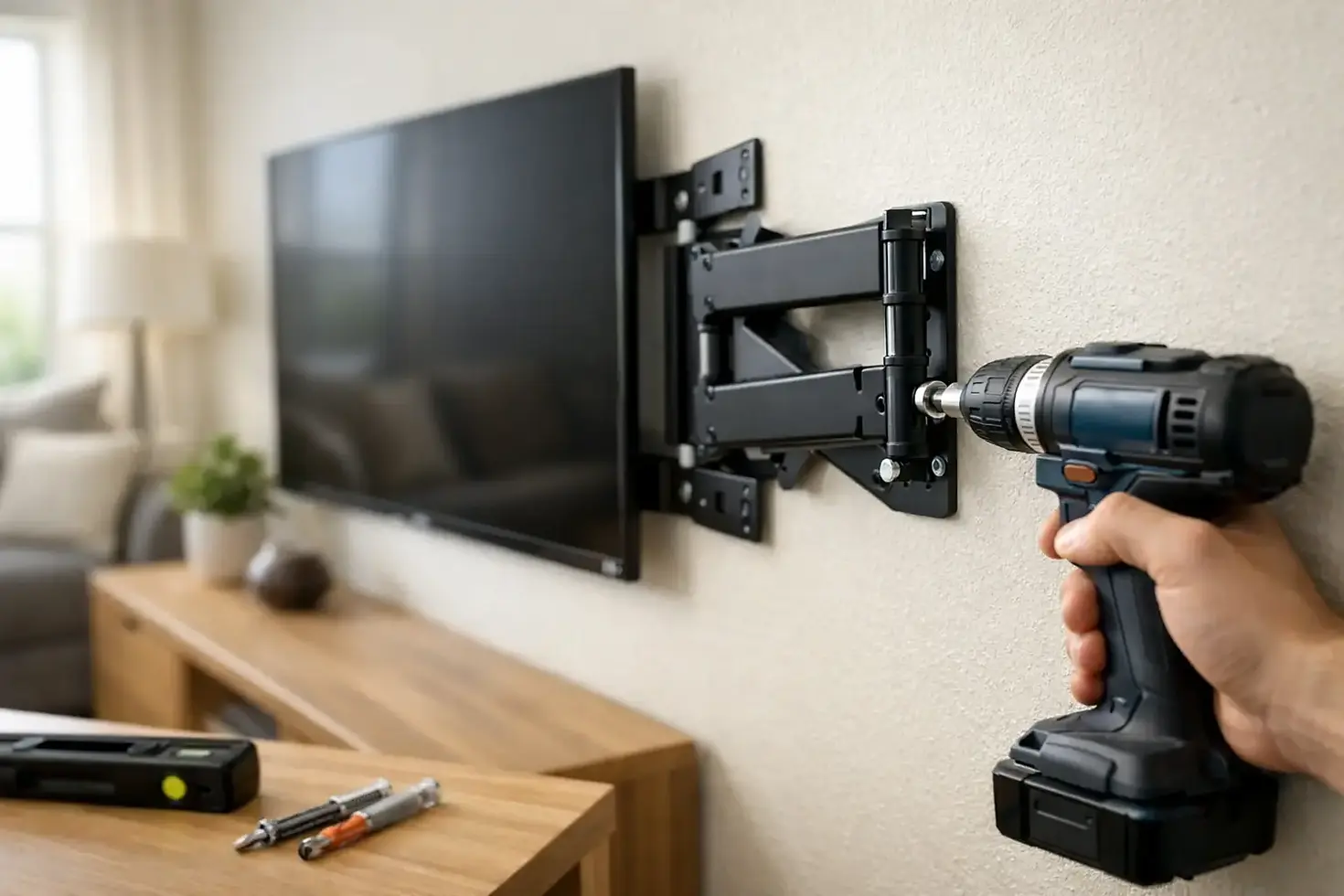
Hold the wall bracket in place, use a level, and mark the mounting holes. If attaching to wood studs, pre-drill pilot holes to help prevent splitting and to guide the lag bolts accurately. Use the hardware supplied with a quality mount only when it is appropriate for your wall type. Do not substitute short screws, drywall screws, or random fasteners from a household drawer.
After the wall plate is firmly attached, connect the TV brackets according to the mount instructions. This is usually a two-person job. Larger TVs are awkward to lift, and the screen can be damaged if it is handled by the panel rather than supported from the bottom and sides. Once the TV is on the bracket, engage the safety locks and gently test the installation before connecting cables.
Watch for Wires, Pipes, and Other Surprises
The space behind drywall is not empty. Electrical wires often run through studs, and plumbing may be present near kitchens, bathrooms, laundry rooms, or utility areas. Drilling too deeply can create a costly repair and a real safety concern.
Turn off power at the breaker before working near outlets or suspected electrical lines. Use a stud finder with wire detection as an added precaution, but do not treat it as foolproof. Avoid drilling directly above or below outlets and switches unless you understand the wiring path. If you plan to hide cables inside the wall, use a code-compliant in-wall power solution rather than running a standard extension cord behind drywall.
When a Drywall Mount Is Not Worth the Risk
There are times when the answer to mounting a TV on drywall should be no, or at least not without a different mounting plan. A very large TV on a full-motion arm, damaged drywall, a wall with uncertain framing, or a mount located where children may pull or climb nearby all deserve a more conservative approach.
The same applies when the bracket has only one possible attachment point and it misses the studs. Moving the TV a few inches, selecting a wider wall plate, or using a TV console may be a better choice than forcing an insecure installation. A clean result should never come at the expense of safety.
Common Mistakes That Lead to Loose Mounts
Most failed TV mounts are not caused by the TV itself. They come from an installation shortcut. Avoid these common problems:
Using plastic drywall anchors for a heavy television or a full-motion mount.
Assuming every wall has wood studs in the expected location.
Mounting with screws that are too short or not rated for the load.
Skipping the level and discovering the TV is crooked after it is installed.
Forgetting to plan for outlets, HDMI cables, soundbars, and cable concealment before the bracket goes up.
Planning cable management early makes a major difference in the finished appearance. It is easier to create a neat setup before the TV is on the wall than to work around it afterward. Consider where streaming devices, game consoles, and soundbars will sit, along with how each cable will reach the screen without being stretched or visible.
Get a Secure, Finished Look
TV mounting is a practical upgrade, but it also changes how a room feels. The right placement opens up floor space, reduces clutter, and gives the room a more intentional look. The key is making sure the finished setup is as secure as it is clean.
For homeowners in Charlotte and nearby communities, Bird Home Services can help assess the wall, select a secure mounting approach, install the TV, and create a polished result. When there is any doubt about studs, wall condition, or the right hardware, a careful installation is always the best way to protect your home and enjoy your screen with confidence.


Comments